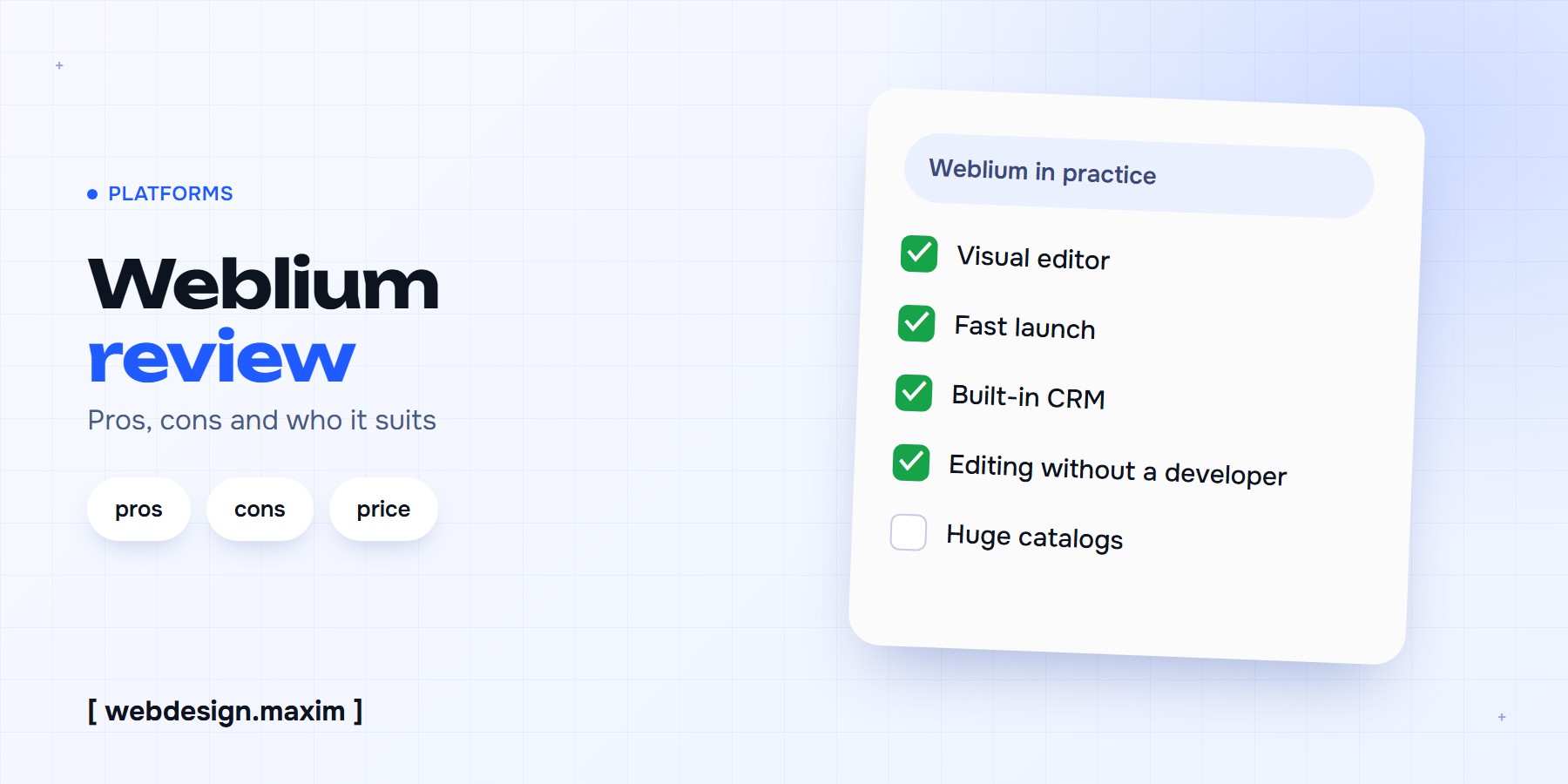
Weblium Review: Pros, Cons and Who It Suits in 2026
A Weblium review from a developer: pros, cons and who it suits. A turnkey Weblium site from $300, launch in 14 days or more.
Weblium in brief: what it is and who it suits
Weblium is a Ukrainian site builder with a visual editor, ready-made blocks and a built-in CRM. It suits landing pages, business card sites, small business websites and simple online stores best, where it’s important to launch quickly and be able to edit text, prices and photos yourself without a programmer. For large catalogs with complex filters, user accounts and non-standard logic, it’s better to look at Horoshop or custom development.
- Suits: a landing page for ads, a services site, a portfolio, a company presentation, a small store, a fast start on a limited budget.
- Doesn’t suit: a large product database with dozens of filters, complex accounting integrations, user accounts, non-standard order scenarios.
I’m Maxim, I build turnkey sites and work with Weblium on client projects, so below is a view from practice, not a retelling of marketing descriptions.
What Weblium is
Weblium is a site builder where a page is assembled from ready blocks: first screen, benefits, services, reviews, inquiry form, contacts. Blocks can be changed, rearranged and adapted for mobile devices. The interface is available in Ukrainian, English and Russian, and the editor has an AI assistant for creating a draft site. The platform is used for one-page sites as well as multi-page business websites and small stores.
What Weblium can do: the main features
- A visual editor and responsiveness. The site is built from blocks, and the look for computer, tablet and phone is adjusted separately.
- Inquiry forms and CRM. Form submissions go into the built-in CRM and can also be sent to email and messengers.
- A blog. There’s a built-in blog with its own SEO settings for each article: title, description, page address, cover.
- A store. The editor has a store section: products, cart, checkout.
- Multilingual support. You can create separate language versions of the site.
- SEO settings. Page headings and descriptions, clear URLs, image alt tags, automatic sitemap and robots.txt, Google Search Console connection.
- A custom domain and third-party code. You can connect your own domain and add your own scripts and styles (analytics, widgets, ad pixels).
- Version history and a cookie banner. You can restore previous versions of the site and set up a cookie consent banner.
Weblium’s pros
- A fast launch. A landing page can be built in a few days. In my practice, a landing page launches in 5 days or more.
- Editing without a programmer. The owner changes text, photos, prices and contacts without going to a developer for every detail.
- An affordable development budget. A builder site usually costs less than custom development.
- Visual flexibility. The design isn’t limited by a template: structure, colors and typography can be adapted to the brand.
- The ability to add your own code. If the standard features aren’t enough, you can connect your own scripts or refine the styling.
Weblium’s cons and limitations
- Large catalogs. A Weblium store suits a small range well, but for hundreds of products, complex filters, import and accounting it’s better to consider specialized e-commerce platforms.
- The blog. The built-in blog is simple: heading structure and styling are limited, so a convenient article catalog, search and filters sometimes need custom code.
- Non-standard logic. User accounts, bookings with complex rules, calculators with calculations and integrations with internal systems are no longer a job for a builder.
- Platform lock-in. The site lives on Weblium. If you later need another platform, it is usually rebuilt rather than moved one to one.
- Page weight. As with other builders, pages can be heavier than hand-coded ones, so it’s important to control the number of scripts, images and animations.
Weblium or Wix, Horoshop and Shopify: what to choose
- Weblium or Wix Studio is for landing pages, services sites and small business websites. Wix Studio gives more freedom for complex design and animation, while Weblium is simpler to work with and faster to launch.
- Horoshop is for online stores with a significant catalog, filters, SEO categories and integrations with payment, shipping and a CRM. A detailed comparison is in the article “Horoshop or Weblium: which to choose for an online store”.
- Shopify is for stores that sell to other countries.
- Custom development is for web services, user accounts and non-standard logic.
More about choosing a platform for a task is in the article “What to build a website on: Weblium, Wix, Horoshop or custom development”.
How much a Weblium site costs
The cost has two parts: the platform subscription and development. Weblium’s plans change, so it’s better to check current terms on the platform’s official site. The development cost depends on the format:
- Landing page: from $150, launch in 5 days or more.
- Business website or business card site: from $300, launch in 14 days or more.
- An online store on Weblium: from $300, launch in 14 days or more.
These are starting prices (current as of October 2026). I give the final amount after a consultation and fix it before work starts. What it depends on is explained in the article “How much a website costs in 2026”. For a store, “How much an online store costs”; for a landing page, “How much a landing page costs”.
Examples of Weblium sites
Weblium was used to build, among others, the Montessori kids’ furniture store “Tatova Stolyarnia”, with color and textile selection for each product. More examples of landing pages, business websites and stores are in the portfolio.
Is Weblium right for you: a short checklist
- You need a landing page, a business card site or a small store: yes, it suits.
- You want to change text and prices yourself: yes.
- A fast launch and a clear budget matter: yes.
- You have hundreds of products, many filters and complex accounting: Horoshop is better.
- You need a user account or complex logic: custom development.
- You plan to sell abroad: consider Shopify.
FAQ about Weblium
Is Weblium good for SEO?
Basic SEO features exist: title, description, page addresses, alt tags, sitemap, robots.txt and Search Console connection. But results on Google depend first of all on the site’s structure, text and pages built for customers’ queries, not on the builder itself.
Can you build an online store on Weblium?
Yes, for a small catalog with a simple cart and payment it’s a good option. For large catalogs with complex filters, Horoshop is better.
Can I edit the site myself after launch?
Yes. After launch you get access to the editor and can change text, photos, prices and contacts. If you need help, I’m available after launch too.
Is Weblium free?
There’s a free mode for getting to know the platform, but a working business site with its own domain usually needs a paid subscription. See current terms on Weblium’s pricing page.
How long does building a website on Weblium take?
From 5 to 14 days depending on complexity. A landing page launches in 5 days or more, a business website and a store in 14 days or more.
Conclusion
Weblium is a good choice for landing pages, business card sites, small business websites and simple stores: fast launch, clear editing, an affordable budget. Choose it when the task is simple and you need a result without long development. If you plan a large catalog, complex logic or sales abroad, consider other platforms. Not sure what suits you? Also read the step-by-step plan “Where to start building a website”.
Author: Maxim, a web designer and developer from Vinnytsia. I work with Weblium, Wix Studio, Horoshop and Shopify and fix the price and timeline before the start. More about me and my work.
Need a Weblium site or help choosing a platform?
Message me on Telegram and I’ll tell you whether Weblium suits your business, what the budget would be and how long it will take. The consultation is free and carries no obligation.