Adding products.
I fill your store and organize the catalog.
Adding products is a service for online store owners: I fill the store with products, structure the pages and the catalog, and set up categories and cards so shoppers can find what they want easily. I work on Horoshop, Shopify and Weblium.
- Who it’s for
- E-commerce sites
- Platforms
- Horoshop, Shopify, Weblium
- Timeline
- depends on scale
The cost depends on the number of products and the complexity of the cards. I calculate it after reviewing your file or range.
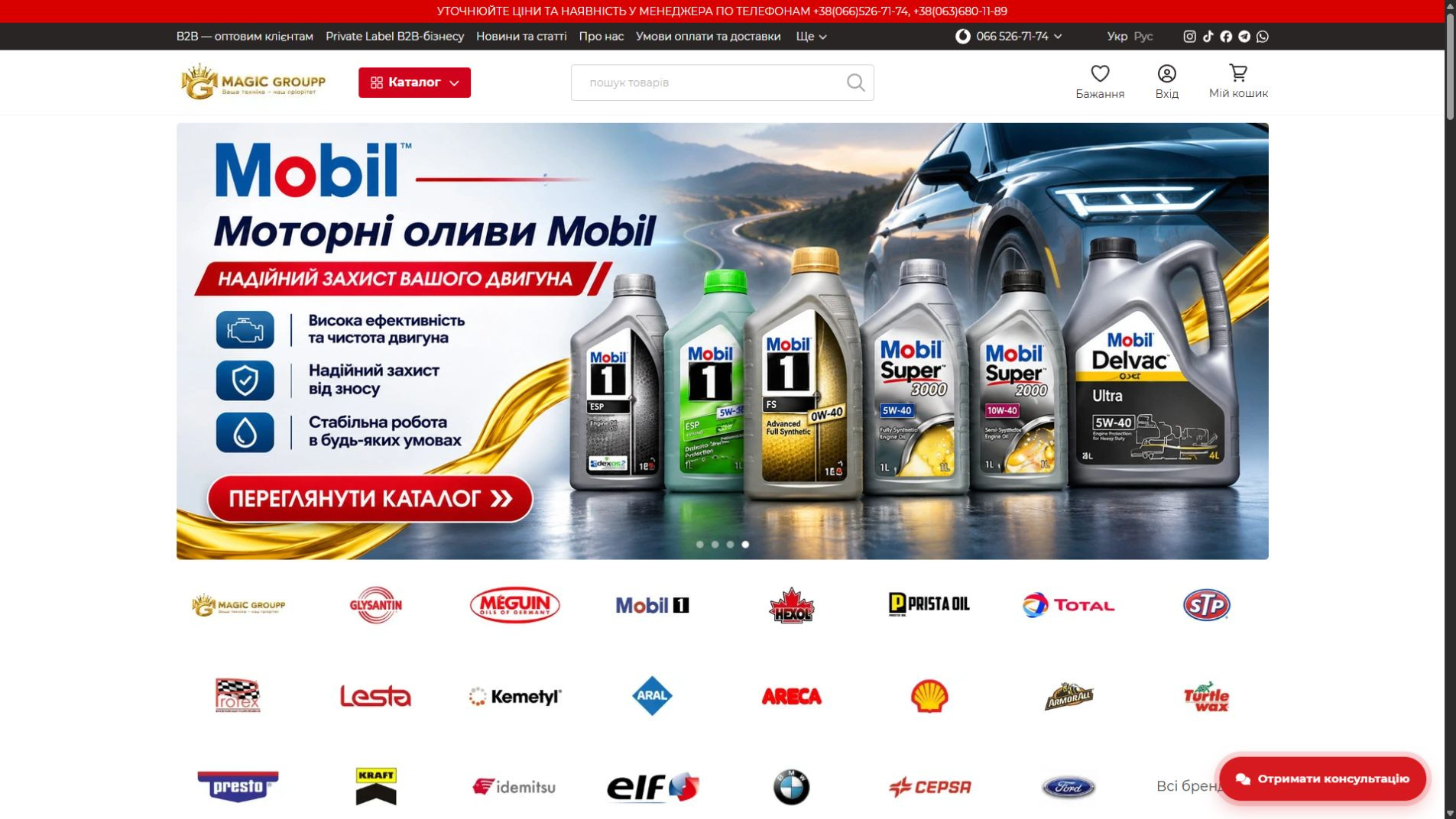

A catalog with specifications, photos and convenient filters.
What adding products to an online store means
It’s help with filling your store: uploading products correctly, designing cards and organizing the catalog. The goal is a store that’s easy to browse, clear to filter and simple to buy from.
Who it’s for
For e-commerce websites that need to upload products quickly, tidy up the catalog or add a new product group.
Timeline
Depends on scale: the number of products, variants (size, color, memory), and the quality of the source data and photos.

A catalog that makes buying easy
I fill the store with products and build a logical structure so customers find what they need quickly and place an order.
- Product cards
- Categories and filters
- SEO descriptions
What I do when adding products
The individual stages can be ordered together or one by one.
Uploading products
I add products manually or by import from a spreadsheet: names, prices, SKUs, availability, variants and photos. I’ll prepare and fix the import file if needed.
Catalog structure
Categories and subcategories, logical names, product order and navigation so shoppers find what they need quickly.
Card design
Descriptions, specifications, variants, images and attributes for filters. A card should answer the shopper’s questions.
SEO fields
Names, title, description and image alt text. Help with unique descriptions for cards and categories.
Quality check
I check prices, availability, duplicates, how cards display on desktop and phone, and that categories are correct.
New product groups
I add new collections or brands, update existing products and reorganize the catalog after the range changes.

From product card to order
Photos, prices, specifications and variants: every product is ready to buy and to be found on Google.
- Photos and prices
- Specifications
- Product variants
The online stores I work with
I fill the store directly on your platform. There’s no need to move the site.
Horoshop
Catalog import, categories, cards with variants, SEO copy for categories and description formatting.
Shopify
Products with variants, collections, metafields, images and card styling in the store’s theme.
Weblium
Catalog and product cards, categories, prices and descriptions that work for shoppers and for search engines.

Products where they’re easy to find
A category and filter structure helps shoppers quickly reach what they need and place an order.
- Categories
- Filters
- Quick checkout
How adding products works
We agree on the scope and format, prepare the data, fill the store and check the result.
You send your range
A spreadsheet, a price list, a supplier link or a list of products with photos.
I estimate the scope
I give the timeline and cost after reviewing the data. Work starts after your approval.
I fill the store
I prepare the data, upload products and set up categories and cards.
You review the result
I show the finished catalog. If needed I refine the details.
FAQ about adding products
About the format, timeline, platforms and data.
What does adding products include?
Which stores is it for?
What data do I need to provide?
How long does it take?
Can you import from a spreadsheet?
How much does it cost?
Need to fill your store with products?
Send your range or tell me about the task. I’ll give you the timeline and cost. The consultation is free.