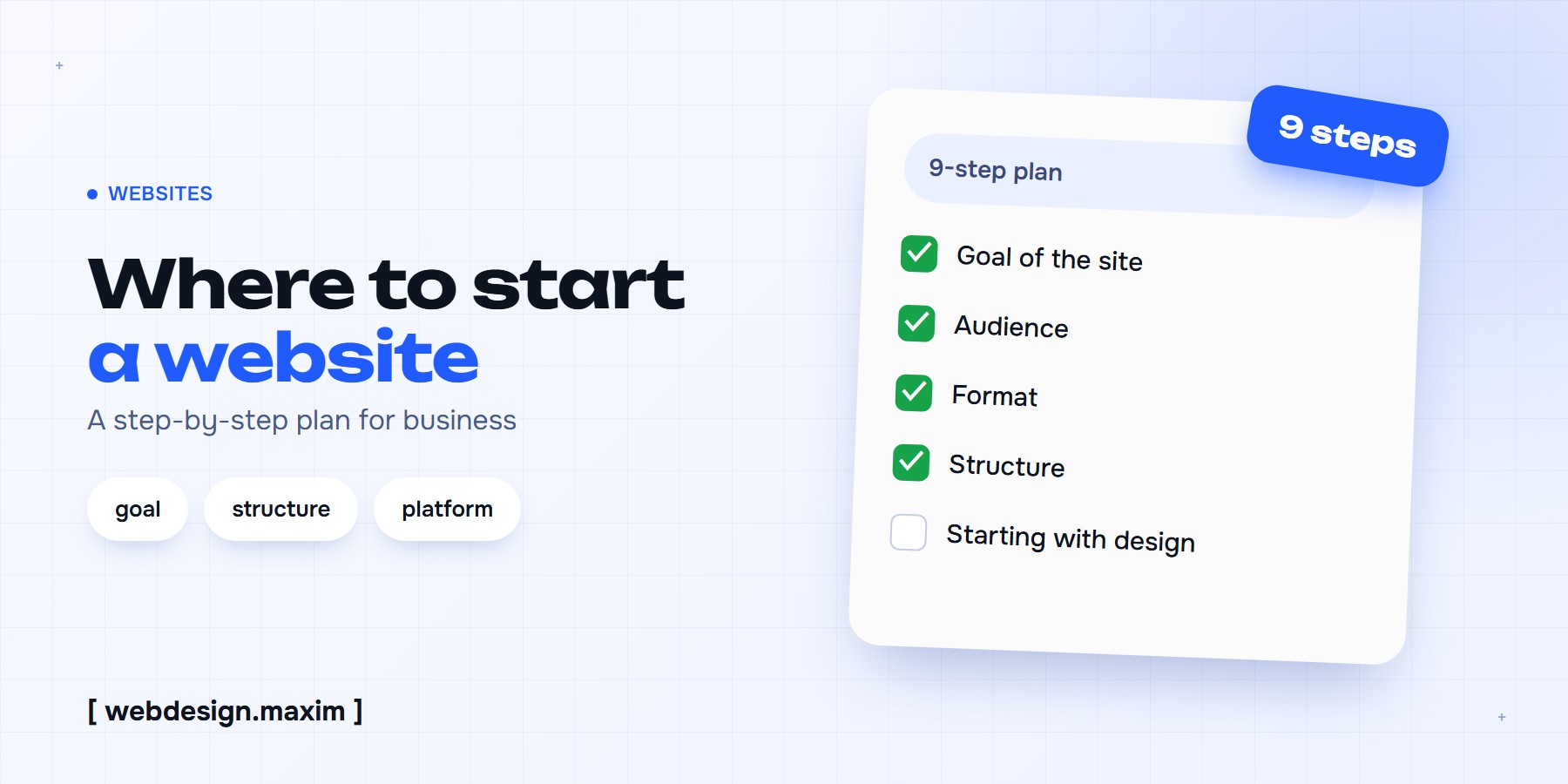
Where to Start Building a Website: A Step-by-Step Plan for Business
Where to start building a website: a 9-step plan covering goal, audience, format, structure, platform and SEO. Launch from 5 days, prices from $150.
Where to start building a website: the short answer
Building a website starts not with design but with understanding the task. The step-by-step plan looks like this: define the site’s goal, understand the audience, choose a format (landing page, business website or online store), plan the structure, prepare materials, choose a platform, lay the SEO foundation, check the mobile version and test the site before launch. Below is each step with examples and checklists.
I’m Maxim, and I build turnkey sites for small and mid-sized businesses (more than 60 launched projects). This plan is what I start any client work with.
Why you shouldn’t start a site with design
When a business decides to build a website, the first thought is usually: “We need a nice design”. That’s logical, because design is the first thing a person sees. But a good site starts not with colors, fonts and pretty blocks but with an answer to the question: what do you need the site for? To bring in inquiries? To sell products? To present the company? To explain a service? To work as a portfolio? To help launch ads?
If this isn’t defined at the start, you can end up with a beautiful site that doesn’t solve a business task: it looks modern, but a person doesn’t understand where to click, what you offer and why to contact you specifically.
Step 1. Define the site’s main goal
A site must do a specific job for the business. For example:
- receive inquiries for services;
- sell products online;
- present the company and portfolio;
- explain a complex service;
- collect inquiries from ads;
- increase trust in the brand;
- help customers find you on Google.
The most common mistake is building a site “just to have one”: this approach rarely gives results. If you’re running ads for one service, a landing page is enough. If the company has several lines of work, you need a business website. If you sell products, an online store. The goal affects the structure, design, text, platform and budget.
Step 2. Understand who your audience is
A site is built not for the business owner but for the potential customer. So find out:
- whether they are private customers or businesses;
- people who are ready to buy or those who are only comparing;
- customers from your city or from all of Ukraine;
- whether they come from Google, ads or Instagram;
- whether a few words are enough for them or everything must be explained in plain language.
An example: a person searching for “order a website” already roughly understands what they need. Someone searching “where to start building a website” needs explanations, a consultation and help choosing a format. So the text on the site must answer real customer questions, not describe the company in generic phrases.
Step 3. Choose the site format
Once the goal is clear, choose a format. Approximate starting prices (current as of October 2026) for comparison:
- Landing page: from $150, launch in 5 days or more. Suits quickly presenting one service, product or offer: apartment renovation, a legal consultation, a course, a promotion, a new product. A good option for ads and collecting inquiries.
- Business website: from $300, launch in 14 days or more. For companies with several services, a portfolio, reviews, an “About us” page, a blog or a need for SEO. It presents the company better and builds trust.
- Online store: from $300, launch in 14 days or more. If you sell products online: catalog, product cards, filters, cart, shipping, payment, CRM, SEO categories.
Not sure between a landing page and a site? Read the comparison “A landing page or a business website: which to choose”, and for budgets in detail, the article “How much a website costs in 2026”. How much a landing page costs: “How much a landing page costs”; how much a store costs: “How much an online store costs”.
Step 4. Plan the site structure
Structure is the foundation of a site: it determines how a person moves through the page and whether they reach an inquiry. For a simple services site this sequence works:
- a first screen with a clear offer;
- a short explanation of what you do;
- services or lines of work;
- benefits;
- the work process;
- a portfolio or examples;
- reviews;
- FAQ;
- contacts or an inquiry form.
An online store has a different structure: home, catalog, categories, product cards, shipping, payment, warranty, contacts, blog. The main thing is that the structure matches the customer’s logic, not your internal processes. A person should quickly understand what you offer, why they can trust you and what to do next. More about pages is in the article “A turnkey business website: which pages you need”.
Step 5. Prepare materials
Before you start, it’s worth collecting basic information. A site usually needs:
- the company name and logo (if you have them);
- a list of services and a short description of the business;
- benefits;
- photos and visual materials;
- examples of work and reviews;
- contacts and links to social networks;
- examples of sites you like and wishes about style.
If something is still missing, that’s not a problem: some materials can be prepared along the way. But the better the information is collected at the start, the faster development goes.
Step 6. Choose a platform
The platform depends on the task. For a landing page or a small business website, Weblium or Wix Studio can fit. For a store with a catalog, filters, payment and shipping, it’s often better to consider Horoshop, and for sales to other countries, Shopify. Simple stores are convenient to launch on Weblium. A Weblium review is “Weblium: a platform review”, and for stores, “Horoshop or Weblium: which to choose for an online store”.
Don’t choose a platform only because it’s cheaper or more popular. Find out:
- whether you’ll be able to edit the site yourself;
- whether the platform suits SEO;
- whether the site can be scaled;
- whether you need a product catalog and integrations;
- whether the site will be convenient on mobile.
The right platform is the one that covers your specific task. A comparison of options is in the article “What to build a website on: Weblium, Wix, Horoshop or custom development”.
Step 7. Lay the SEO foundation
If the site must be found on Google, you need to think about SEO before launch. At the start, prepare:
- clear page headings and an H1–H2–H3 structure;
- a title and description for every page;
- clear URLs;
- text for customer queries;
- alt tags for images;
- separate pages for important services;
- a blog, if you need one;
- Google Search Console connection.
SEO isn’t magic after launch: if the structure is right from the start, promoting the site is much easier. The basics of this (structure, title, description, alt tags and indexing) I set up as part of basic SEO during development.
Step 8. Take care of the mobile version
Most people open sites on a phone, so the mobile version must be not just “adapted” but truly convenient. On a phone it should be easy to:
- read the main offer;
- tap a contact button;
- view services and the portfolio;
- find contacts;
- leave an inquiry.
If a site looks good on a computer but is inconvenient on a phone, some customers will simply leave.
Step 9. Prepare the site for launch
Launch isn’t just clicking “Publish”. Before publishing, check:
- whether all buttons and forms work;
- whether links go to the right messengers;
- whether there are no errors in the text;
- whether the mobile version looks correct;
- whether the SEO settings are in place;
- whether analytics is connected;
- whether the site is open for indexing.
How long it takes
Building a site usually takes from 5 to 14 days depending on complexity. A landing page launches in 5 days or more, a business website and an online store in 14 days or more. A real example: the online store ELF GARDEN began selling its main category 5 days after work started, and 5 days later it was running in full. The owner described this in her Google review. More examples are in the portfolio.
FAQ
Where do I start building a site for a business?
From the goal: what the site should do, whether accept inquiries, sell or present the company. Then audience, format, structure, materials, platform and SEO.
What should I prepare before ordering a site?
The name and logo, a list of services or products, photos, examples of work, reviews and contacts. If something is still missing, don’t worry: some materials can be prepared during the work.
How much does it cost to build a website?
A landing page from $150, a business website from $300, an online store from $300. I give the final price after a consultation and fix it before the start.
Can a site be launched in stages?
Yes. You can start with a landing page or a simple structure and add the blog, new pages and integrations later.
Conclusion
It’s better to start building a site not with design but with understanding the task: first the goal, audience, format, structure, platform and materials, and only then design and development. A good site is a tool that helps a business look professional, build trust and get inquiries.
Author: Maxim, a web designer and developer from Vinnytsia. I work directly, with no managers, and fix the price and timeline before the start. More about me.
Don’t know where to start your site?
Message me on Telegram and I’ll help you decide which format suits your task: a landing page, a business website or an online store. I’ll plan the structure, design, adaptation, SEO foundation and launch.