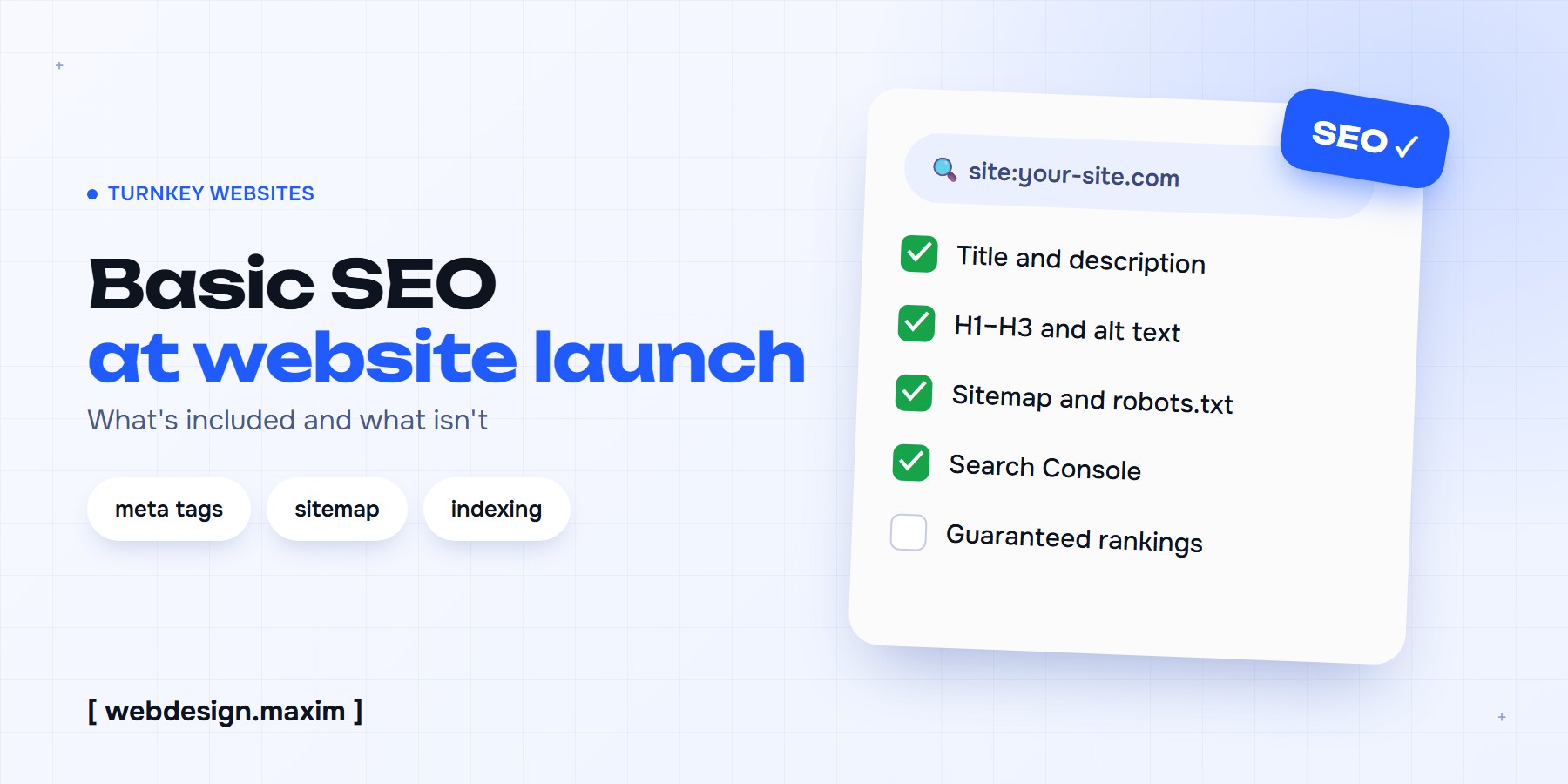
Basic SEO at Website Launch: What's Included and What Isn't
What basic SEO includes at website launch: meta tags, headings, alt text, sitemap, Search Console. A checklist and what SEO doesn't guarantee.
Basic SEO when launching a website: the short answer
Basic SEO is the technical and text foundation of a site, done before launch: headings and meta tags, H1–H3 structure, alt text, sitemap, robots.txt, redirects, connecting Google Search Console and analytics. It helps Google understand and index pages correctly, but it doesn’t guarantee rankings or traffic. Promotion for competitive queries is separate, long-term work.
Below I explain what exactly basic SEO includes in my projects, what it doesn’t, and how to check that everything is done right. If you’re still choosing a site format, first read “How much a website costs in 2026”.
What basic SEO includes at launch
- Title and description for every page. Title up to 60 characters, description up to 155. They should describe the page and encourage a click.
- One H1 and a logical H2–H3 structure. Headings show what a page is about and help readers navigate quickly.
- Clear page addresses (URLs). Short, in Latin letters, with no extra characters.
- Image alt text. It briefly describes what’s in the photo and helps accessibility.
- Sitemap (sitemap.xml) and robots.txt. They tell Google which pages to index.
- Google Search Console. Site verification, sitemap submission, indexing checks.
- Redirects. If addresses change, old pages redirect to the new ones so 404 errors don’t appear.
- Mobile version. Pages are easy to read and tap on a smartphone.
- Analytics. Connecting Google Analytics to see visitors and inquiries.
- Internal links. Connections between service pages, case studies and articles.
What basic SEO does not include
- Guaranteed Google rankings. No one can honestly promise “top in a week”.
- Regular promotion: new articles, links and work on competitive queries.
- Advertising. Paid traffic, such as Google Ads, is set up separately.
- Ready-made keyword research for hundreds of queries. For a small site, one clear main query per page is enough.
Basic SEO is the foundation. Without it, promotion either won’t deliver results or will cost far more.
What it looks like in practice: a launch checklist
- We define the main query for each page. For example: “landing page development”, “Horoshop online store”, “business card website”.
- We write the title, description and H1. The query sounds natural, with no repetition.
- We check the page structure. One H1, then H2 for blocks and H3 for subsections.
- We add alt text to all images.
- We set up the addresses. We remove random characters and duplicates.
- We check the sitemap and robots.txt. The needed pages should get into the index and the service pages should not.
- We connect Search Console and analytics. We submit the sitemap.
- After launch we request indexing of the key pages and a few days later check whether they’ve appeared in search.
How to check that basic SEO is done
- Enter site:yourdomain.com in Google and see which pages are already indexed.
- Open /sitemap.xml and /robots.txt on your site: the files should open.
- View the page source and make sure the title, description and H1 are unique for each page.
- In Search Console, check the “Indexing” section and the submitted sitemap.
- Open the site on a smartphone and see whether anything shifts or “breaks”.
Common mistakes at launch
- The same title and description on every page.
- Several H1s on one page or none at all.
- Indexing is blocked. The site was left in a test mode set to “do not index”.
- No sitemap or Search Console. Google takes longer to find pages.
- Old addresses without redirects after a site move. More on this in the article “How to move an online store to Horoshop or Shopify”.
- Images without alt text and heavy files that slow pages down.
What to do after launch
Basic SEO lays the foundation, and then results come from working with content:
- add useful articles on topics your customers search for (examples in the blog);
- expand service pages: answers to questions, examples of work, reviews;
- update product card text. How to do it is described in the article “How to write a product description that sells and gets found on Google”;
- once a month check Search Console: errors, queries, pages with no impressions.
Which pages a business website needs is covered in the article “A business website: which pages you need”.
How much a site with basic SEO costs
Basic SEO setup is included in a turnkey website launch. My starting prices: landing page from $150, business website from $300, online store from $300 on Weblium, from $400 on Horoshop and from $500 on Shopify. I give the exact cost after discussing the task. Budget separately for the platform plan, domain and promotion.
FAQ
Does basic SEO guarantee Google rankings?
No. It removes technical obstacles and helps Google read the site correctly. Rankings depend on competition, content quality and time.
How quickly will the site appear on Google?
New pages are usually indexed within a few days or weeks. It’s faster if you submit a sitemap and request indexing in Search Console.
Is SEO needed for a landing page I run ads to?
For paid traffic, the key things are a clear offer and a form. Basic settings are still useful: meta tags, speed, mobile version and analytics.
Can I do basic SEO myself?
Yes, if you understand the basics. But it’s easy to miss small things: blocked indexing, duplicate headings, missing alt text. So it’s better to check the site against the checklist above.
Need a site with basic SEO?
Message me on Telegram or leave a request on the contact page. Tell me about your business and goals, and I’ll suggest the site format, platform, timeline and cost. The consultation is free.