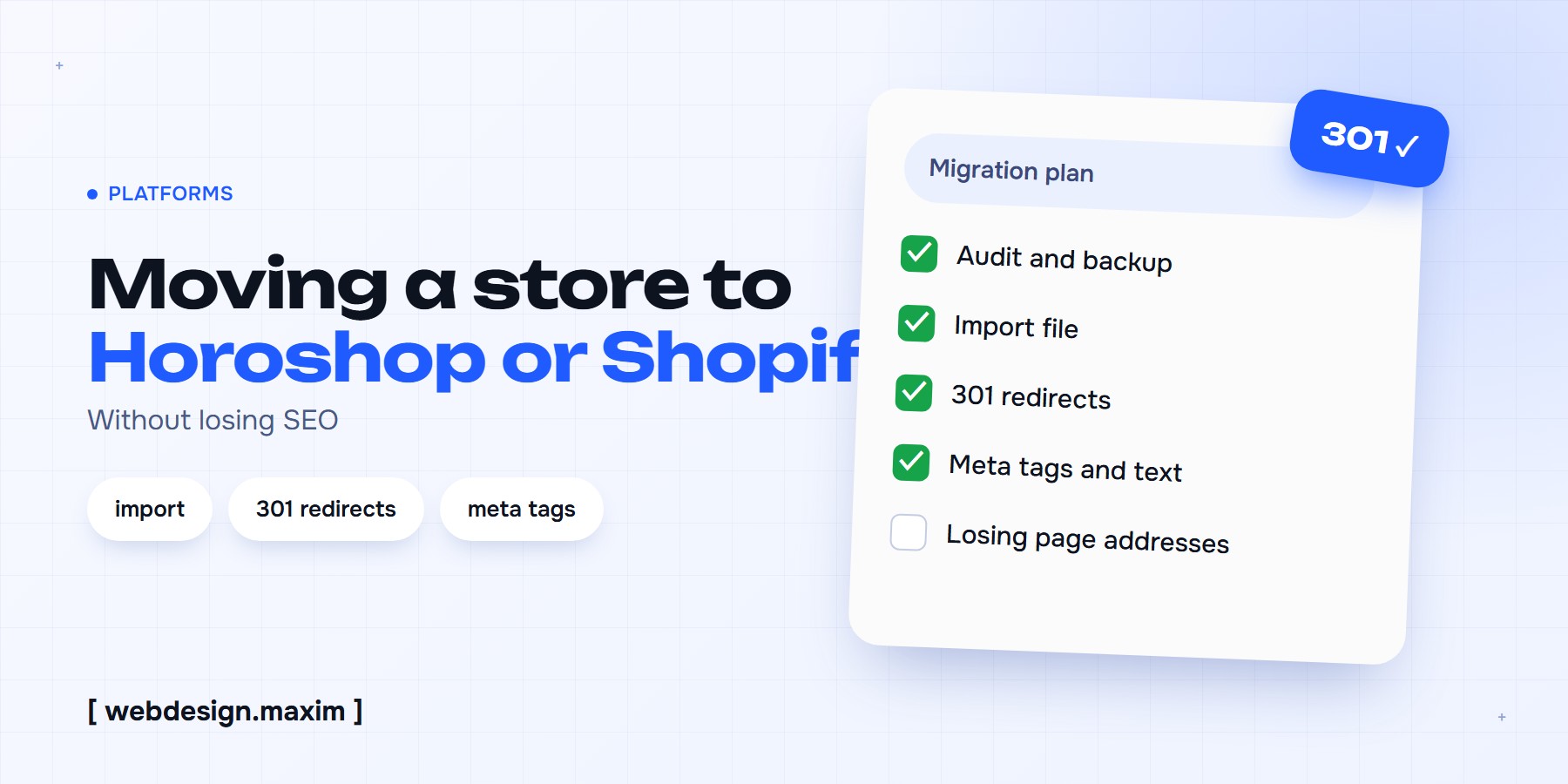
How to Move an Online Store to Horoshop or Shopify Without Losing SEO
How to move an online store to Horoshop or Shopify: product export, CSV import, 301 redirects and meta tags. A step-by-step plan from a real case.
Moving an online store: the short answer
Moving a store to Horoshop or Shopify isn’t copying a site but four separate tasks: moving products (via an import file), keeping page addresses or setting up 301 redirects, moving meta tags and text, and checking indexing after launch. If it’s done carefully, the store works without losing products, and Google rankings dip only minimally. In my practice such a project takes 14 days or more, depending on the catalog.
If you’re still choosing a platform, first read the comparison “Horoshop or Weblium”.
Why move a store and when not to
Reasons owners change platforms:
- the old site is slow, outdated or hard to edit;
- the developer disappeared, and there’s no access or updates;
- you need integrations (Nova Poshta, online payment, CRM) that the old platform lacks;
- you want to enter new markets or several currencies;
- the platform became too expensive.
Don’t move if the problem is only design or speed: sometimes updating the theme or settings is enough. First assess what exactly isn’t working for you.
A step-by-step migration plan
- Audit the current store. Count products and categories, collect a list of page addresses and see in Google Search Console which of them bring traffic. Those must be preserved first.
- Backup and export. Save products to a spreadsheet (CSV or Excel), and photos and text separately. The old site should work right up to the switch.
- Prepare the import file. Bring categories, specifications, prices and photo links into the new platform’s format. Errors most often occur here.
- Set up the new store. Create the catalog structure, filters, payment, shipping and pages.
- Test import. Upload 20–50 products and check the cards, photos, prices and categories.
- Full import. Upload the whole catalog and spot-check again.
- Addresses and 301 redirects. If addresses changed, set up redirects from old pages to new ones. This preserves part of your rankings and doesn’t lose buyers.
- Meta tags and text. Move titles, descriptions, H1s and category SEO text, especially for pages with traffic.
- Launch. Switch the domain, submit the new sitemap in Search Console, and check forms, payment and order notifications.
- Monitor for 2–4 weeks. Watch for 404 errors, indexing and traffic, and fix what you find.
What most often breaks during migration
- Photos get mixed up. In the source file, images are tied to the wrong products or variants.
- Duplicate products and categories because of different platform structures.
- Lost page addresses. Without redirects, 404s appear and rankings fall.
- Specifications and filters. Attributes don’t match and import incorrectly.
- Prices and currencies. Especially if the store works in several currencies.
- SEO text and meta tags simply don’t get moved.
A real example: a boat store on Horoshop
For the boat store e-Choven (e-choven.com.ua), more than 1,000 products had to be uploaded to Horoshop. The store went live in 10 working days. In the source CSV, images uploaded incorrectly: each photo had to be tied to the right model and configuration. Using AI and a script, I prepared the import tables and uploaded the catalog. Separately I set up the store structure, the “Tips and care” section and Telegram order notifications.
The takeaway from this project: the main difficulty isn’t the import itself but preparing the data. The neater the table, the fewer manual fixes after upload.
Horoshop or Shopify for migration
- Horoshop: a Ukrainian platform for stores with a large catalog, filters, Nova Poshta, CRM and product import from spreadsheets. My starting prices are from $400.
- Shopify: an international platform for brands and selling abroad: several languages and currencies, ready-made apps, import via CSV. My starting prices are from $500.
You’ll find a general comparison of cost and platforms in the article “How much an online store costs”.
What will happen to Google rankings
After launch, small ranking fluctuations in the first weeks are normal. To reduce them, keep the addresses of important pages or set up 301 redirects, move meta tags and text, submit the new sitemap in Search Console and watch for indexing errors. Rankings can’t be guaranteed, but a correct migration preserves most of the traffic.
FAQ
How long does moving an online store take?
In my practice, from 14 days. The timeline depends on the number of products, the quality of the source data, the catalog structure and integrations.
Will I lose Google rankings after the move?
Small fluctuations are possible. If you set up redirects correctly, move meta tags and check indexing, losses are minimal.
Can I move a store from Prom.ua, WordPress or OpenCart?
Yes, if products can be exported to a file. If there’s no export, data is collected another way, but it takes longer.
Do I need to stop the old store during the move?
No. The old site works until the domain is switched, so sales don’t stop.
Need to move a store?
Message me on Telegram or leave a request on the contact page. Show me how your products are stored, and I’ll tell you what can be imported and what data to prepare before launch. Details about the service: turnkey online store on Horoshop. The consultation is free.