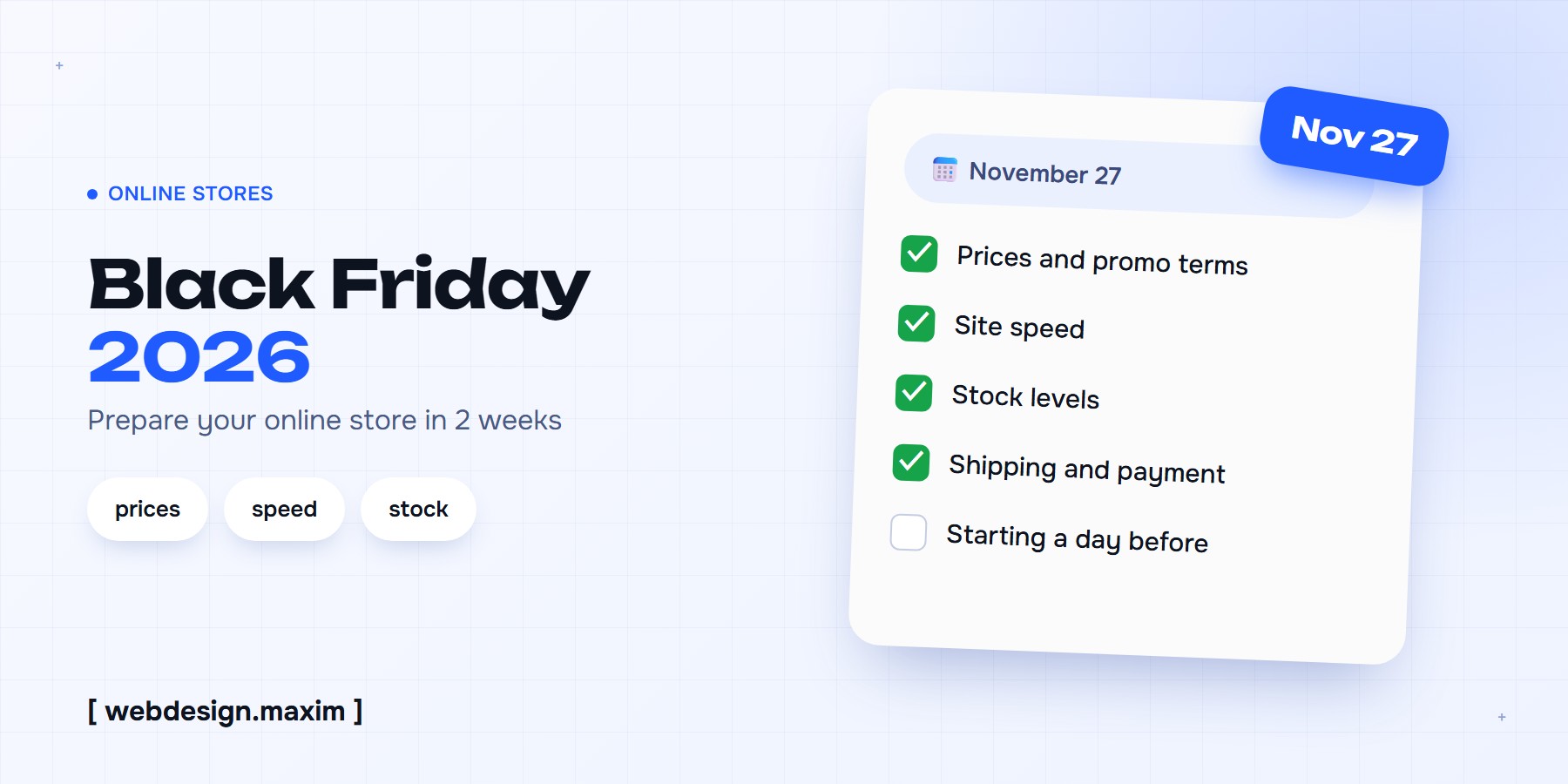
Black Friday 2026: How to Prepare Your Online Store in 2 Weeks
Black Friday 2026 is November 27. An online store checklist: prices and promotions, site speed, stock, shipping, ads and customer support.
Black Friday 2026: the short answer
Black Friday in 2026 is on November 27, and Cyber Monday on November 30. For your online store to handle the surge of orders, you need to prepare seven things in two weeks: prices and promotion terms, site speed and stability, stock levels, shipping and payment, advertising and mailings, the promotion page, and customer support. Below is a checklist with dates, common mistakes and answers to questions.
If your store is only launching, first see the checklist “What you need to open an online store”.
Preparation plan: what to do in two weeks
- Days 1–3 (by November 14): choose products, prices and promotion terms; check stock.
- Days 4–7 (by November 18): check site speed, checkout, payment and shipping.
- Days 8–10 (by November 21): create the promotion page, banners, mailing texts and ads.
- Days 11–13 (by November 24): test the whole purchase path and prepare support replies.
- Days 14–16 (by November 27): launch the promotion and monitor orders and stock daily.
1. Promotions and prices
- Choose a few “bait” products to give a noticeable discount on, and count the margin, not just turnover. A discount must leave a profit.
- Show an honest old price. An inflated “old” price destroys trust and can be treated as misleading advertising.
- Add limits: promotion dates, quantity of the product, free shipping terms.
- Prepare bundles and gifts: sometimes it’s more profitable to give a bonus than a discount.
- Make sure prices in the catalog, in ads and on banners match.
2. Site speed and stability
- Check the store from a smartphone: most buyers order from one.
- Compress large images and remove extra widgets that slow pages down.
- Go through the whole path: search, product card, cart, checkout, payment. Every extra step reduces the number of orders.
- Find out your platform’s (Weblium, Horoshop, Shopify) limits on traffic and number of orders.
- Check forms, Telegram order notifications and the CRM: new orders must not get lost.
3. Stock and inventory
- Update stock before the start and, if possible, sync it from your accounting system.
- Close or mark products that are out of stock so customers don’t order what’s unavailable.
- Prepare a reserve of the most popular items and agree terms with suppliers.
- Plan how to notify customers about delays.
4. Shipping and payment
- Agree timelines with carriers: at the peak of sales, delivery is usually overloaded.
- Add clear dispatch times and return terms to the site.
- Check online payment and a test order from start to finish.
- If you offer free shipping, set an order-amount threshold to raise the average order value.
5. Advertising and mailings
- Prepare ads in advance: Google Ads, Instagram, Telegram, mailings. On sale days bids rise, and there’s no time left to set up.
- Set up order tracking to see what brings sales.
- Remind your customer base: messages “3 days left”, “tomorrow” and “today” often give more than advertising.
- For an online store with a catalog, plan product ads (Google Merchant Center) and remarketing for people who viewed products but didn’t buy.
- Plan the budget and spread it over several days rather than spending it in the first hour.
6. The promotion page
A separate promotion page (landing page) helps gather all offers in one place and send ads there. It should include: promotion terms, discounted products, dates, a “Buy” button and contacts. If you need such a page, I build a turnkey landing page from 5 days, and what it costs is explained in the article “How much a landing page costs”.
7. Customer support
- Prepare reply templates for typical questions: timelines, returns, availability, payment.
- Show working hours and quick contact channels (phone, Telegram) on the site.
- Assign someone responsible for orders on sale days.
Common mistakes before Black Friday
- Starting a few days before. Ads and tests need time.
- Lowering the price without calculating margin. Turnover grows while profit drops.
- Not checking the site on a smartphone.
- Selling a product that isn’t in stock.
- Having no plan for after the sale: returns, analytics, a base of new customers.
After the sale: what to do
- See which products, channels and ads brought orders.
- Add new customers to your mailing list and send a thank-you.
- Handle returns and questions.
- Plan the next surge: New Year gifts and the winter season.
FAQ
When is Black Friday in 2026?
November 27, 2026. Cyber Monday falls on November 30, followed by the pre-New Year season.
Will I manage to launch a store before Black Friday?
A simple store with a small catalog can be launched in 14 days or more, but in practice that’s very tight: you need ready photos, descriptions and materials. If time is short, it’s better to launch a landing page with the promotional products and add a full store after the season. How long it takes is covered in the article “How long it takes to build a website”.
What discount should I offer for Black Friday?
It depends on your margin and competitors. It’s better to give a noticeable discount on a few products than a small one on the whole range.
Do I need ads if I already have customers?
Mailing to your base works well, but new buyers come from ads and search. The best approach is to combine both channels.
Need help with your store before the sale?
Message me on Telegram or leave a request on the contact page. I’ll help you quickly update the store, build a promotion page and set up order tracking. Details about the service: turnkey online store. The consultation is free.