A Business Website: Which Pages You Need to Build Trust and Bring In Inquiries
Which pages a business website needs: home, services, about, portfolio, reviews, FAQ, contacts. The minimum for leads. From $300.
Which pages a business website needs: the short answer
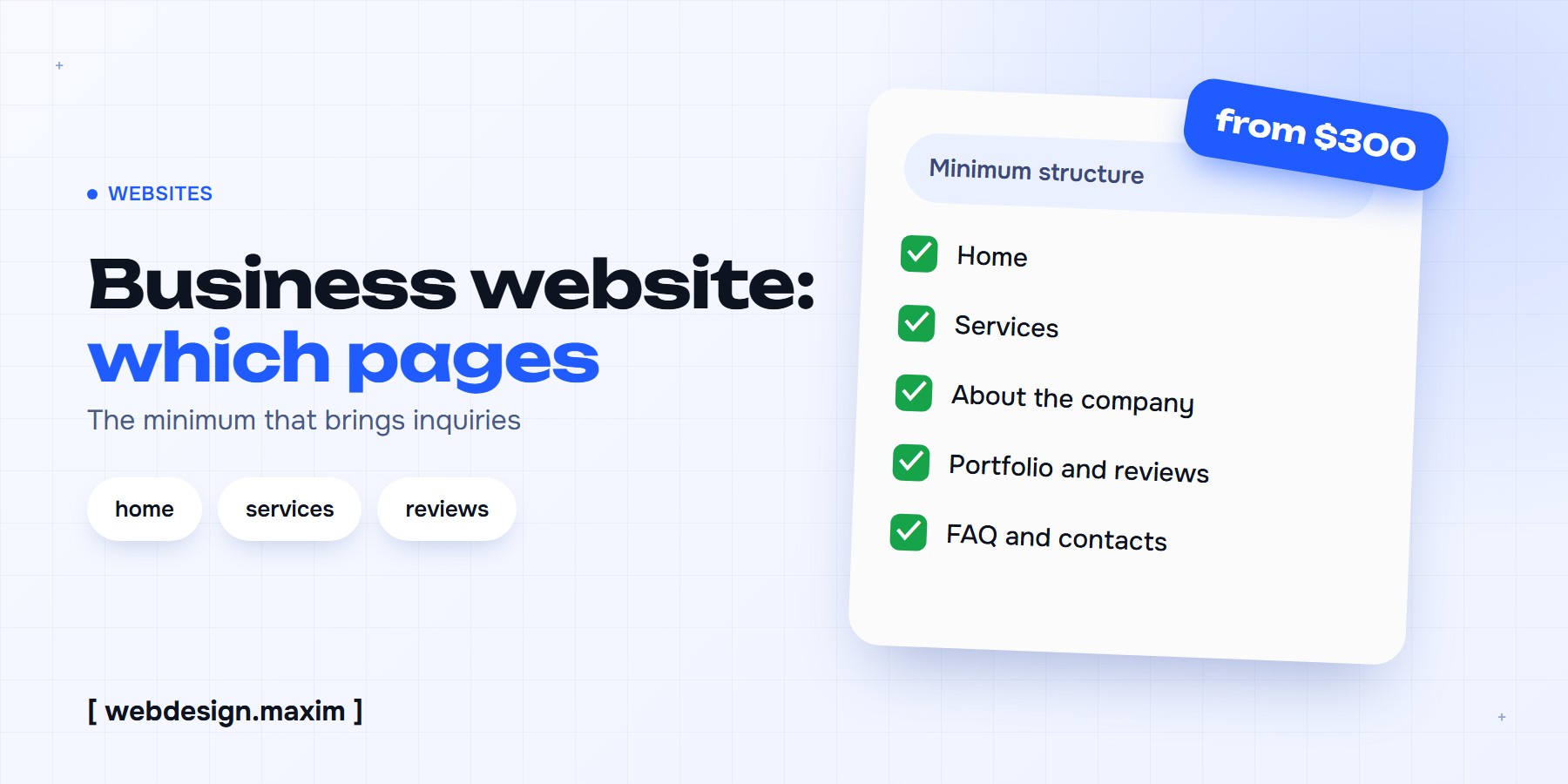
The minimum set of pages for a small business website: home, services (or a catalog), about the company, a portfolio or case studies, reviews, FAQ and contacts. If you work in a competitive niche, add separate SEO pages for each important service and city, and a blog. This structure helps a site build trust, appear on Google and bring in inquiries. If you need a compact format, read “What a business card site is and who needs one”.
Below is what each page should include and why. I build a business website with this structure from $300, with launch in 14 days or more (more about turnkey business website development).
A business website isn’t just “a page on the internet”
When an entrepreneur thinks about a site, the first thought is usually: “We need a site so people can find us on Google”. That’s right, but a business site has to do much more. It explains what you do, who you help, why you can be trusted and what the person should do next: leave an inquiry, call, write in a messenger or order a service.
So before design it’s important to plan the structure. If pages are chosen haphazardly, a site can look beautiful but give no results. And the right structure turns even a simple site into a strong customer-acquisition tool. If you’re still deciding whether you need a site, read “Does a small business need a website”.
The home page: the first impression of your business
The home page is the most important part of a site: it’s where a person most often lands from ads, Google, social networks or referrals. On the first screen the visitor must quickly understand three things:
- what the company does;
- who the service or product is for;
- what action to take next.
Instead of the generic “We create quality solutions”, write specifically: “Turnkey apartment renovation in Vinnytsia” or “A turnkey website for small and mid-sized businesses”. The clearer the first screen, the less chance a person closes the site within seconds. Then show benefits, services, examples of work, reviews, brief company information and a contact button, but don’t overload: the home page should lead a person from getting acquainted to trust, and then to an inquiry.
The “About us” page: why you can be trusted
Many owners underestimate this page, thinking customers care only about price. In fact, when comparing companies, people often choose not the cheapest but the one they trust more. “About us” shows that behind the site there’s a real person or team, experience and responsibility. Tell them:
- how many years you’ve worked;
- which clients and niches you have experience with;
- what your approach to work is;
- how you differ from others;
- which values matter to your business.
Don’t write dryly in the style of “a dynamic, fast-growing company”: speak simply and to the point. An example of such a page is my “About me” page.
The services page: what exactly you offer
If a business has several lines of work, create a separate block or page for each important service. For example, instead of one phrase “renovation work”, split it up: apartment renovation, house renovation, tiling, demolition, electrical, plumbing, finishing. This makes it easier for the customer to find what they need, and Google better understands which queries to show the site for.
On a service page, explain what the work includes, who it’s for, the stages of execution, what the price depends on and how to book a consultation. An example of this approach in my portfolio is the site of the kitchen and furniture manufacturer Sinenko Furniture in Poltava, with separate sections for each type of furniture (see the case studies).
A portfolio or case studies: show the result
Words matter, but examples of work often persuade more strongly. If you have finished projects, definitely show them: photos, screenshots, video, a short description or full case studies. A good case study answers four questions:
- what task the client came with;
- what was done;
- which difficulties were solved;
- what result the client got.
Even if you have few works so far, it’s better to show a few well-presented examples than to have no portfolio at all. For the customer it’s proof that you’ve already handled similar tasks.
Reviews: social proof that works
Reviews are one of the strongest trust elements, especially real ones: with a name, a link to a company or a specific description of the result. A weak review sounds like: “Everything’s great, recommend”. A strong one contains details. An example wording: “We ordered a site for a beauty studio. They helped with the structure, suggested which blocks to add, made a responsive version and connected an inquiry form. After launch we use the site for Instagram ads”. Such a review builds more trust precisely because of the details.
A practical tip: collect reviews on Google, since they’re visible in search and strengthen your site. On my site, Google customer reviews are featured on the home page.
The contacts page: don’t hide how to reach you
Sometimes a site is beautiful but the contacts are hard to find, and that’s a big mistake. The page should have clear ways to get in touch:
- a phone number;
- Telegram, Viber or WhatsApp;
- email;
- an inquiry form;
- an address and a map, if the business works offline.
Add a short text before the form, for example: “Briefly describe your task, and I’ll suggest which site format suits your business”. This sounds friendly and lowers the barrier to contact. Make sure the same numbers and messenger links are used everywhere: inconsistencies reduce trust and hurt local SEO.
FAQ: answers to questions before they’re asked
A block of frequently asked questions removes a customer’s doubts before the first contact. For a business site, add questions like:
- how long it takes to build a site;
- what to prepare before starting;
- whether the site will be adapted for phones;
- whether you can edit the site yourself;
- whether SEO optimization is included;
- whether analytics, a CRM or messengers can be connected.
An FAQ is useful both for people and for SEO: it makes the page fuller and helps Google better understand the site’s content.
A blog: not required, but very useful
Not every business needs a blog, but in many niches it becomes a strong source of traffic from Google. Through it you answer customers’ questions, explain complicated things in simple words and show expertise. A renovation company can write “How to prepare an apartment for renovation” or “What turnkey renovation includes”. And for a web designer’s site, logical topics are “What kind of site a business needs”, “A landing page or a multi-page site”, “What to build a site on”. This is exactly how this blog is built: see “A landing page or a business website” and “What to build a website on”.
What’s the minimum structure for a small business site
To start, a small business usually needs this structure:
- a home page;
- services or lines of work;
- about the company;
- a portfolio or examples of work;
- reviews;
- FAQ;
- contacts.
If you work in a competitive niche, add separate SEO pages for each important service or city. For example, not just “Services” but separately “Landing page development”, “Online store development”, “A turnkey business website”. My pages are built this way too: landing page, business website, online store. If you sell products, the structure will be different: catalog, categories, product cards, shipping and payment, covered in the guide “Turnkey online store development”.
How much it costs and how long it takes
A business website with this structure starts from $300 with me, with launch in 14 days or more. If you only need one page for ads, a landing page from $150 with launch in 5 days or more is enough. What the final amount depends on is in the article “How much a website costs in 2026”, and where to start is in the step-by-step plan. On the cost of a landing page: “How much a landing page costs”.
FAQ
How many pages does a business website need?
To start, 6–8 pages or sections are enough: home, services, about the company, portfolio, reviews, FAQ and contacts. After that the site can grow: add service pages, city pages and a blog.
Do I need a separate page for each service?
If the service is important for the business and people search for it on Google, yes. A separate page lets you cover the topic in more detail and rank better for a specific query.
Is a blog required?
No, but in many niches a blog brings extra traffic from Google and strengthens trust in your expertise.
How much does a business website cost?
A business website starts from $300, with launch in 14 days or more. I give the exact price after a consultation and fix it before work starts.
Conclusion
A business site must not just exist: it must explain, sell, build trust and help a person take the next step. The right structure is the foundation. Design, animation and beautiful photos work only when there’s logic behind them: who your customer is, what they need, what doubts they have and why they should contact you specifically. So start not with colors and fonts but with the structure.
Author: Maxim, a web designer and developer from Vinnytsia. I build turnkey sites for small and mid-sized businesses, work directly and fix the price and timeline before the start. More about me and my work.
Need a website for your business?
Message me on Telegram and I’ll help you decide which format fits: a landing page, a business website or an online store. I’ll plan the structure, design, mobile adaptation, basic SEO foundation and launch.