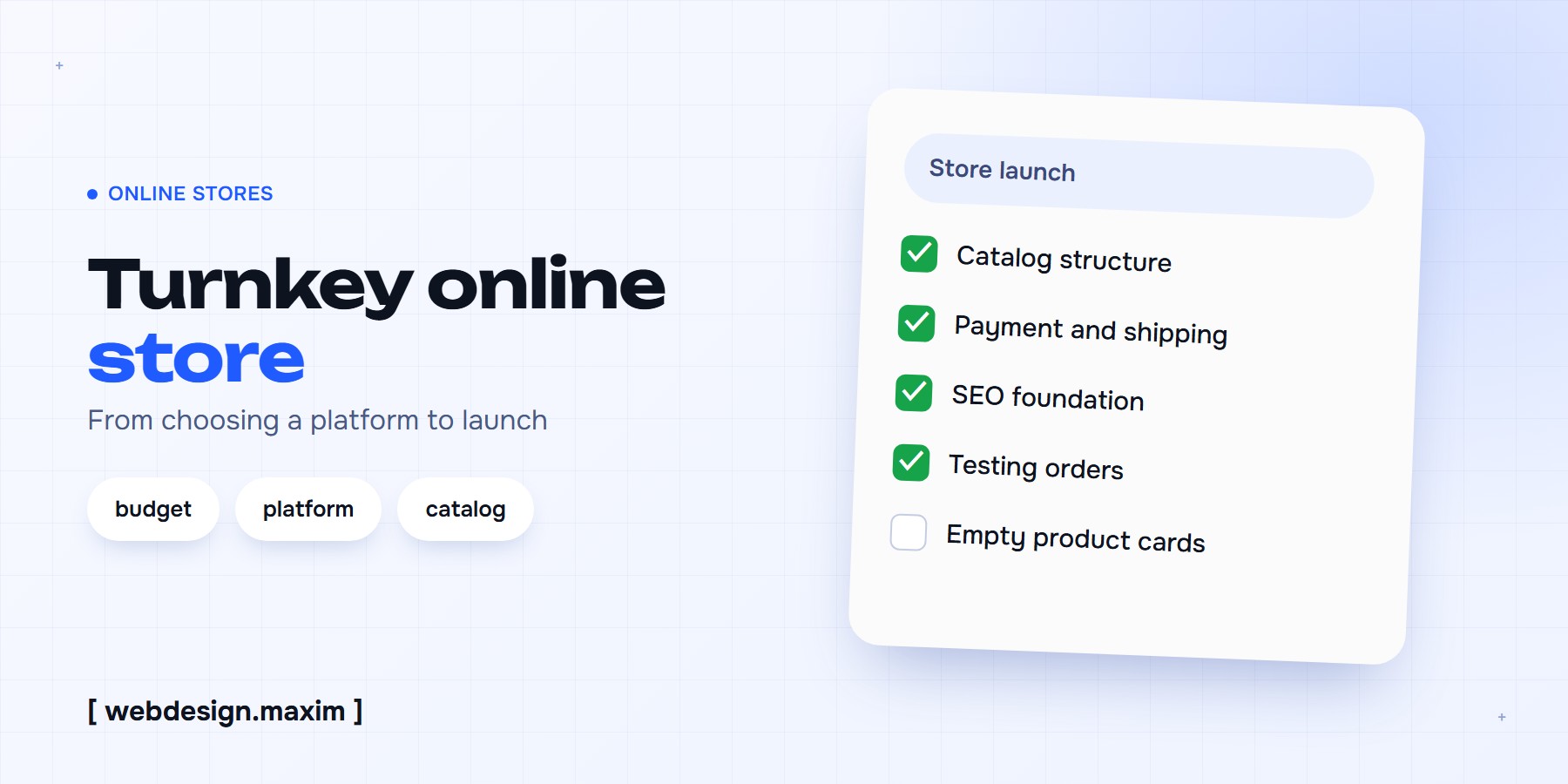
Turnkey Online Store Development: What to Prepare Before Launch
How to build a turnkey online store: budget, Weblium, Horoshop or Shopify, catalog, payment, shipping and SEO. Tips and examples by Webdesign Maxim.
How to Create a Turnkey Online Store: From Choosing a Platform to Launch
Building an online store starts with how the business will sell its products: who the buyer is, what they look for, how they choose and how they receive an order. The platform, catalog, design, payment, shipping and launch budget depend on these answers.
To build a store that’s ready to work, you need to bring these elements into one clear process, for the buyer and for the team that will handle orders.
I build online stores on Weblium, Horoshop and Shopify. In this material I’ll explain how to choose a solution for your business, what the price is made of and what to prepare so development doesn’t stall for lack of materials or unexpected integrations.
Already know what you need? See the turnkey online store development service or message me on Telegram: we’ll discuss the range, features and budget.
What turnkey online store development includes
A turnkey online store is a site ready to take orders with an agreed set of features. Before work starts, you need to define which pages are created, how many products are added, which services are connected and by what criteria the result is accepted.
The development plan usually covers:
- analysis of the range, buyers and competitors;
- the structure of categories, subcategories and navigation;
- design and adaptation for smartphones;
- setting up the catalog, product cards and cart;
- connecting the agreed payment and shipping methods;
- the integrations you need and order notifications;
- basic SEO, analytics, testing and publishing;
- handing over access and explaining how to manage the store.
Filling the catalog, writing descriptions, translation, preparing photos and paid apps are worth listing separately in the estimate. The wording “turnkey” by itself doesn’t define the scope of this work.
When a business needs its own online store
Consider your own store when buyers need to find products themselves, compare specifications and place an order without long correspondence with a manager.
For example, a clothing brand has accumulated dozens of models in different sizes. In messages you have to clarify availability, price and shipping every time. A catalog with product variants and a cart brings order to this process.
For one product with a simple offer, a landing page is sometimes enough. For a range with categories, stock and repeat purchases you need store logic. Social networks and marketplaces can remain additional sales channels and send buyers to the site. On choosing between a landing page and a site, see “A landing page or a business website: which to choose”.
How much building an online store costs
On the Webdesign Maxim site, the base cost of a turnkey online store is listed from $300. This is a starting guideline: we determine the exact budget after discussing the range, design, content and integrations. More about the launch budget is in the article “How much an online store costs”.
The cost depends on what exactly needs to be prepared and set up. General price guidelines for all types of sites are in the article “How much a website costs in 2026”.
Catalog and products. The number of categories, cards, variants and filters matters. A prepared product table simplifies filling. If names, specifications, descriptions and photos have to be gathered from different sources, that’s separate work.
Design. Styling based on a ready theme and custom solutions take different amounts of time. The estimate includes the home page, catalog, cards and the mobile version.
Integrations. We agree payment, shipping, CRM, accounting and product feeds. For each service we check compatibility and the amount of setup.
Additional tasks. Several languages, moving an old store, translations and non-standard purchase scenarios are estimated against specific requirements.
Plan separately from development for the domain, platform plan, any paid themes or apps, payment fees and attracting buyers. Before choosing a solution, it’s useful to count the launch and the first year of operation, not just the initial payment to a developer.
To get a store cost estimate, send your niche, the approximate number of products, the countries you sell in and a list of the features you need.
Which platform to choose: Weblium, Horoshop or Shopify
A platform should be chosen by how the store will work. Can the product variants you need be implemented? How is stock updated? Which payment service is available to your business? How much will integrations cost? A broader platform comparison is in the article “What to build a website on: Weblium, Wix, Horoshop or custom development”. Directly on the two options: “Horoshop or Weblium: which to choose for an online store”; on the Weblium platform: “Weblium: a platform review”.
These questions matter more than how a template looks.
Below are the three options I work with. For each I’ll explain when it’s worth considering and what to check before launch.
An online store on Weblium
Consider Weblium if, along with the catalog, it’s important to show the brand, production, product advantages and the company’s story. The visual editor helps with page design, and the store adds a catalog and checkout.
Before choosing, we check the product logic, search, filters, payment and shipping you need. For example, being able to accept orders and full automatic sync with the warehouse are different tasks that need to be assessed separately. Weblium help
More: online store development on Weblium.
An online store on Horoshop
Horoshop is a platform specialized for e-commerce. It’s worth evaluating for a store whose main work is focused on the catalog, specifications, orders and connecting trading services.
Before launch we agree on categories, filter parameters, product import, payment, shipping and the integrations you need. We separately check what the chosen plan allows and the terms of the services we connect. Horoshop integrations
See the turnkey online store on Horoshop service.
An online store on Shopify
Consider Shopify for a branded store and sales in international markets. But buyers’ countries, languages, currencies and payment acceptance need to be thought through together.
The availability of Shopify Payments depends on the country where the business is registered and on meeting the service’s requirements. If it isn’t available, you need to check a compatible third-party provider. We also build possible fees and needed apps into the budget. Shopify help
Launch terms are on the turnkey online store on Shopify page.
Haven’t decided on a platform? Send an example product and describe how you currently take orders. I’ll help match the options to your processes.
Where to start: range, buyers and catalog structure
Start by answering four questions: who you sell to, which products you launch first, where you deliver and how you process orders. A short step-by-step list is in “What you need to open an online store: a checklist”; and on whether to build a store yourself, “How to create an online store: do it yourself or order one”.
A retail clothing store and a wholesale supplier of technical fluids need different catalogs and purchase scenarios.
Prepare a product table: SKU, name, category, price, availability, specifications, variants and photo links. Agree what counts as a separate product and what counts as a variant by size, color or volume.
Categories should match how buyers choose. For clothing these might be dresses, shirts and outerwear, with size and color as filters. For car products: motor oils, technical fluids and car chemicals, with parameters for each product group.
Not every filter value needs its own page on Google. A landing page for search demand is worth creating when it has a clear purpose, a matching range and differs from other pages.
What a product card should include
A card should help choose a product and understand the purchase terms. To start, you need:
- an exact name and SKU;
- the current price, availability and variants;
- clear photos from suitable angles;
- specifications, compatibility or a size chart;
- a description of the purpose and features;
- available information about payment, shipping and returns;
- a visible add-to-cart button.
For a bag, dimensions, material and strap length matter. For electronics, the model, contents and condition. For a seedling, the variety, growing conditions and supply format.
A universal description like “high quality at an affordable price” doesn’t answer these questions.
Photos should show the real product. We add reviews from real buyers. If there aren’t any yet, it’s better to describe the products and the store’s working terms in detail.
Payment, shipping and checkout
Before development, define the available payment methods: online, cash on delivery, payment by invoice or another scenario you need.
For each we check compatibility with the platform, the provider’s requirements and how the order behaves after payment.
For shipping, agree on carriers, geography, dispatch times, pickup and the rules for calculating cost. If shipping is paid at the carrier’s rates, this must be stated clearly before the purchase is completed.
In the cart the buyer should see the products, quantity, total and a clear checkout form. We ask only for necessary data and check that the whole process can be completed from a phone.
A successful payment, a declined payment and a return from the payment page should all give a predictable result.
Trust pages and order handling
Buyers need accessible contacts, information about the seller, shipping, payment, exchange, returns and warranty terms for the relevant products. The content of the policies should match how the business really works and the markets it sells in.
The owner needs to define who receives orders, how payment is confirmed, who updates stock and who notifies about shipping.
A CRM should be connected according to the needs of the process: the number of managers, sales channels, repeat inquiries and the amount of manual work matter more than a nominal threshold of orders per day.
If there’s an offline store or warehouse accounting, we agree in advance where current prices and stock are kept and how data passes between systems.
Online store SEO: what to plan before launch
SEO starts with distributing search queries among pages. Categories answer queries about groups of products, cards answer queries about specific models, and articles help with choosing and using products.
Before publishing, you need to check:
- The category logic and clear URLs.
- Titles, descriptions and the main page headings.
- Useful information in categories and product cards.
- Links between categories, products and blog materials.
- Whether the needed pages are available for indexing and how duplicates are handled.
- The mobile version, images and the speed of key pages.
- The correctness of structured data available on the platform.
- Search Console and analytics for assessing results later.
For moving an existing store, you also need a map of old and new addresses and a check of redirects.
Basic SEO during development and later promotion are different scopes of work. A launch doesn’t guarantee top-3 positions: after publishing you need to assess indexing, demand, competition and how pages perform.
Explanations for choosing, exact specifications and answers to buyers’ questions make pages more useful. For visibility on Google and its AI answers, the accessibility of content to search and the reliability of information also matter. Meta tags or an FAQ block alone don’t guarantee impressions. Google Search documentation
How development goes and how long it takes
On my service page, the guideline for launching a store is 14 days or more. We agree the date after assessing the task and how ready the materials are. A large catalog, several languages, data migration or complex integrations need extra time. service page
The work goes in sequence:
- Discussing the task. We define markets, range, budget and the features you need.
- Structure and requirements. We agree the pages, catalog, integrations and the scope of content filling.
- Design and build. We style the store and adapt pages for different screens.
- Content and connections. We add the agreed products and set up payment, shipping and the SEO foundation.
- Testing and launch. We check purchases, notifications, access and readiness to work.
How to choose an online store developer
Compare offers for the same scope of work. Ask how many pages and products are included in the price, who prepares the text, which integrations are set up and what happens after the site is handed over.
In a portfolio, check not just the first screen. Look at the catalog, a product card and the mobile version. Ask them to explain what task was solved in the project and what exactly the developer did.
Agree on access to the domain, platform and analytics, the payment procedure, the stages and the criteria for readiness. Separately define which changes are within the agreed scope and which are estimated additionally.
Before accepting the store, go through several scenarios:
- find a product via a category and a filter;
- choose the variant you need;
- change the quantity in the cart;
- place a test order;
- check whether the responsible person received it;
- for online payment, check a successful and a failed payment.
This gives concrete criteria for readiness to launch.
Examples of online stores from my portfolio
Different niches need different presentation of the range. Here are a few examples of my work:
- Beijing Style Tea: a Chinese tea catalog with selection by type and region, filters and product comparison.
- POLYTECH MERCH on Horoshop: a catalog of branded clothing with color and size selection and scenarios for corporate orders.
- Tatova Stolyarnia: kids’ furniture with color and textile selection for products.
- TEDDY BOOM on Shopify: a car fragrance store with a catalog, a 1+1=3 promotion mechanic and CRM integration. portfolio
These examples show implemented scenarios and styling. Browse the online store portfolio to choose work close to your task.
Checklist: what to prepare before ordering a store
- Your niche, target buyers and countries of sale.
- The approximate number of products and variants.
- A product table, prices, specifications and photos you already have.
- Wishes for categories, search and filters.
- A logo and brand materials.
- Payment, shipping and order-handling methods.
- The CRM, accounting systems and other connections you need.
- Site languages, the desired launch date and budget.
- Examples of stores with an explanation of what exactly you like.
- Information about your current site and domain, if you have them.
You don’t have to have everything ready for the first conversation. It’s enough to describe your business and show your products, and then we’ll define which materials are needed for an estimate and a start.
Questions about building an online store
Can I build an online store myself?
Yes, if the platform’s capabilities are enough for your range and you’re ready to set up the catalog, content, payment, shipping and testing yourself. Ordered development makes sense when you need help with structure, styling and integrations or lack time to launch.
Can I launch an online store for free?
A test access or a free plan can help you get to know a platform. For a working store you need to check the terms for connecting a domain, accepting payments and the features you need, and plan the costs of content and attracting buyers.
What’s better for an online store: Horoshop, Shopify or Weblium?
It depends on the catalog, markets, payments, integrations and the budget for support. Before choosing, it’s worth checking the same scenarios on each platform: adding a product, placing a purchase, processing an order and updating stock.
Can I move products from another site?
Whether migration is possible depends on export from the old system and import into the new one. First we check a test sample of products: photos, specifications, variants, categories and prices. For an existing site we plan the work on URLs and redirects separately.
Who adds products, and will I be able to edit the store?
We agree the scope of initial content filling before the start. After access is handed over, you’ll be able to work with products, prices and orders through the administrative tools of the chosen platform. I’ll explain how to perform the agreed daily operations.
Will there be orders right after launch?
Publishing the site makes it possible to accept purchases. Orders need visitors, a sought-after range and a clear offer. The acquisition channels (search, advertising, social networks and repeat sales) are worth planning together with the launch.
Planning to order a turnkey online store?
I’ll help you plan the catalog, choose a platform, prepare the design and set up the agreed integrations and the SEO foundation. I work directly: you discuss the task with the developer who leads your project.
Send on Telegram what you sell, how many products you’ll have at launch and in which countries you plan to sell. We’ll discuss the store format, scope of work and budget.
Discuss building an online store
Or see the development terms on Weblium, Horoshop and Shopify.