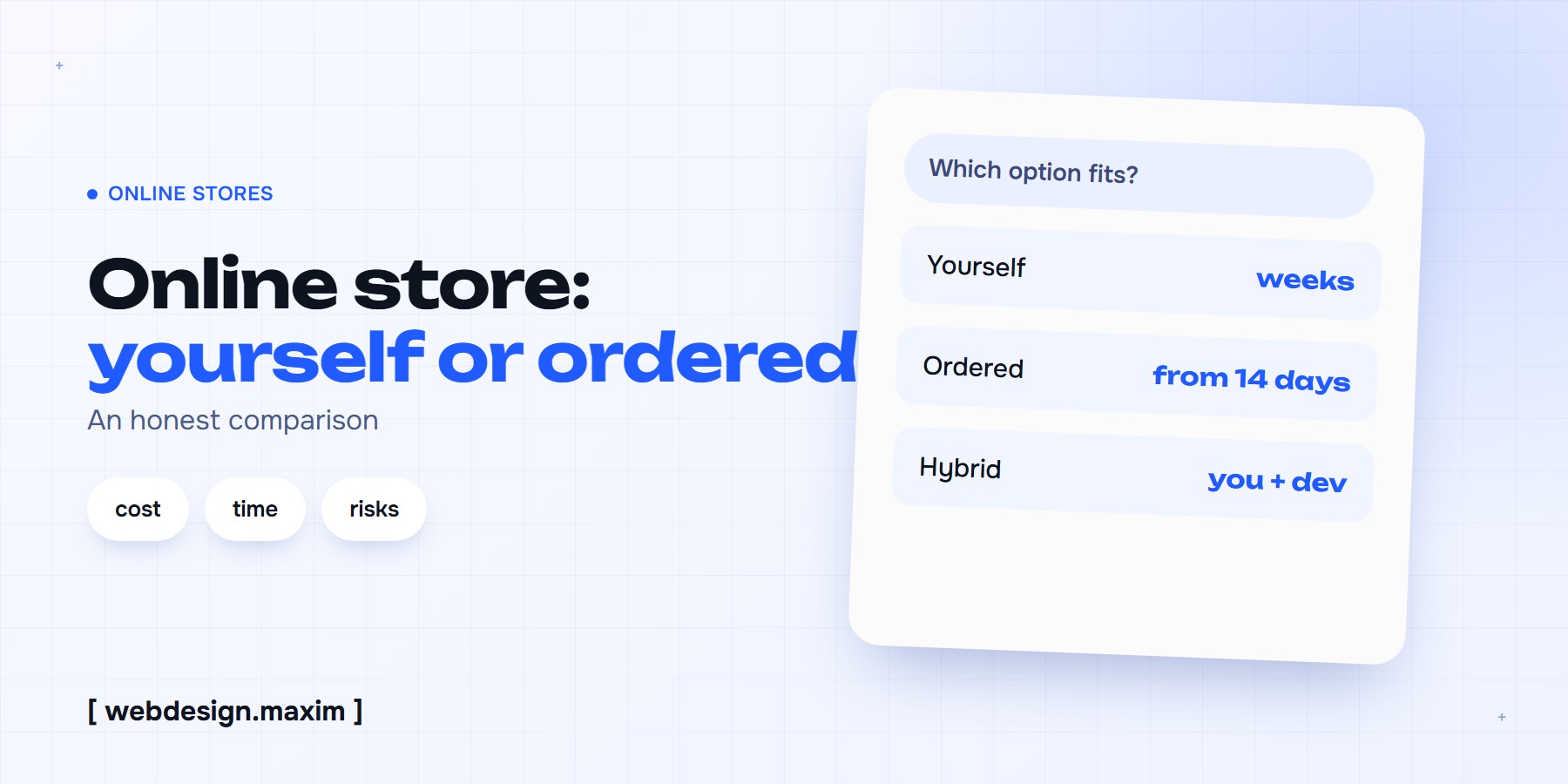
How to Create an Online Store: Do It Yourself or Order One — An Honest Comparison
How to create an online store yourself or by order. Is there a free option, 7 launch steps, common mistakes and a comparison of cost and time.
How to create an online store: the short answer
Creating an online store yourself is realistic if you have a small catalog, time to figure out the platform and are ready to make mistakes at the start. It’s worth ordering development when launch speed, a well-thought-out structure, design, payment, shipping and SEO matter. There’s also a third option: a developer sets up the store and you fill the catalog yourself, which saves budget and keeps the foundation’s quality.
I’m Maxim, I build online stores on Weblium, Horoshop and Shopify, and I see both scenarios: clients who started on their own and those who ordered development right away. Below is an honest comparison of costs, time and risks.
Can you create an online store for free
Platforms offer free or trial modes so you can get to know the interface. But a full store ready to take orders almost always has costs: the platform subscription, a domain, paid themes and apps, payment service fees, product photos and descriptions, and attracting buyers. So “free” is more a chance to try than a real launch budget. Check current plan terms on the platforms’ official sites.
Ways to launch an online store
- Marketplaces and classifieds (Prom, OLX and others). A quick start and ready traffic, but you depend on someone else’s rules, fees and the competitors next to you. It’s a good extra channel, but not your own store.
- A builder on your own. Cheap in money, expensive in time. It suits a small range if you’re ready to learn the platform.
- Platform plus a developer. A specialist sets up the store: structure, design, payment, shipping, SEO. You focus on products and sales.
- Custom development. For non-standard logic and large projects; the most expensive and longest option.
How to create a store yourself: 7 steps
- Define your niche and buyer. What you sell, to whom, and how you differ from competitors.
- Prepare the products. A table with SKUs, names, categories, prices, specifications, variants and photos.
- Choose a platform. Compare capabilities against your range: Horoshop or Weblium, and Shopify for international sales.
- Build the catalog structure. Categories should match how buyers look for products, not your internal processes.
- Set up payment and shipping. Check the terms of payment services and carriers and how the order behaves after payment.
- Add trust pages. Contacts, shipping, payment, returns, privacy policy.
- Test every scenario. Find a product, place a test order, check a successful and a failed payment and the receipt of notifications.
A detailed preparation list is in the article “What you need to open an online store” and the guide “Turnkey online store development”.
Common mistakes when launching yourself
- a wrong category structure that is expensive to redo later;
- products without specifications, with weak photos and identical descriptions;
- unchecked payment or shipping: the buyer reaches the cart and can’t complete the order;
- no trust pages, so the buyer has doubts;
- ignoring the mobile version;
- no SEO foundation: headings, titles, descriptions, clear addresses;
- launching without analytics, so it’s unclear where orders come from;
- underestimated time: “I’ll do it over the weekend” turns into several weeks.
When it’s better to order development
- you need to launch fast and start selling in days, not months;
- the catalog is large or products have many variants and filters;
- you need integrations with payment, shipping, a CRM or accounting;
- strong design and brand presentation matter;
- you plan on SEO traffic and need the right structure from the very start;
- you have no time or desire to figure out the platform.
An example of a quick launch: the store ELF GARDEN began selling its main category 5 days after work began, and 5 days later it was running in full. The owner told about this in her Google review. More examples are in the portfolio.
Do it yourself or order: a comparison
- Money. Yourself: lower costs at the start, but the platform, domain, services and content are still needed. By order: development from $300 (Weblium), $400 (Horoshop), $500 (Shopify).
- Time. Yourself: from a few weeks depending on experience. By order: launch in 14 days or more.
- Quality. Yourself: risk of mistakes in structure, payment, SEO. By order: a well-thought-out structure and tested scenarios.
- Control. Yourself: you know everything and do it all yourself. By order: you get access and instructions and then run the store yourself.
- Scaling. Yourself: builder limitations are possible. By order: the platform is chosen with room for growth.
Cost details are in the article “How much an online store costs in 2026”.
A hybrid option: a developer plus you
You can split the work: a developer sets up the store (structure, design, payment, shipping, SEO foundation), and you upload products and process orders yourself. This way you don’t pay for routine but get a reliable base. The scope of the initial content is agreed before the start, and after access is handed over you add products, change prices and manage orders yourself.
Where to start right now
- make a product table (SKU, name, category, price, availability, specifications, photos);
- decide on payment and shipping methods;
- look at 3–5 stores in your niche and note what you like;
- decide whether you need filters, multilingual support, a CRM;
- estimate how much time you’re ready to spend yourself.
If you’re still at the idea stage, first read the step-by-step plan “Where to start building a website”.
FAQ
Can I create an online store myself with no experience?
Yes, if the range is small and you’re ready to learn the platform. For a large catalog, payment, shipping and SEO, it’s better to bring in a specialist.
How long does it take to build a store yourself?
It depends on experience and the number of products: from a few weeks. Preparing products and photos usually takes longer than setting up the platform.
Which platform is easiest for a beginner?
For a small store, a builder like Weblium, where everything is assembled from blocks, is convenient. For a large catalog with filters, consider Horoshop. A comparison is in the article “Weblium: a platform review”.
Can I start on my own and order development later?
You can, but redoing the structure or migrating to another platform is a separate project. If you plan to grow, it’s better to lay the right foundation from the start.
How much does it cost to order a store?
My starting price is from $300 on Weblium, from $400 on Horoshop and from $500 on Shopify. I give the final amount after discussing the range and fix it before the start.
Conclusion
Launching a store yourself saves on development but costs time and risks mistakes; ordered development is faster and more reliable but costs more at the start. The best option depends on your range, budget and time. If you’re hesitating, discuss the task with a specialist: it helps you understand the real scope and avoid spending money twice.
Author: Maxim, a web designer and developer from Vinnytsia. I build online stores on Weblium, Horoshop and Shopify and fix the price and timeline before the start. More about me.
Don’t know where to start your store?
Message me on Telegram: what you sell and how many products you plan. I’ll tell you whether launching yourself suits you or whether it’s better to order development, and what the budget would be. The consultation is free and carries no obligation.